A clear first step
Watch the welcome video, introduce yourself in General discussion and choose one mechanic and one simple objective for your first game.
Game development. With AI. Together.
Turn your idea into a game people can play. Build with Claude Code or Codex, practical beginner lessons, project feedback and community playtests.
Free to join on Skool · Live workshops every Sunday
Your free starting point
Join free, learn the basics and share what you’re making. You can take part at your own pace, whether you’re starting from zero or already have a game in progress.
Watch the welcome video, introduce yourself in General discussion and choose one mechanic and one simple objective for your first game.
Find beginner lessons on Claude Code and Codex, practical prompts and tool guides in the Classroom.
Start a project post in the community. Share screenshots, questions and playable builds, exchange feedback and join community playtests.
Bring your questions, share what you’re building and learn from other game makers. Check the Skool calendar for the next workshop.
The course inside the community
The free Classroom includes beginner lessons, Claude Code and Codex tutorials, practical prompts and resources to help you build your first playable game.
Try the starter game, open your game folder and connect Claude Code or Codex.
Make your first change, then build movement, a goal, a win state and a restart.
Reproduce a problem, share the error and ask your assistant for a focused fix.
Add characters, sprites and sound while keeping the game working.
Share a playable build, use player feedback and publish your browser game on itch.io.
Use the first-week checklist, improve your release or plan your next game.
Your starting tools: a computer, access to Claude Code or Codex, and a browser. The beginner path uses HTML, CSS and JavaScript. No coding experience needed. AI art, animation and audio tools are optional additions; tool subscriptions are separate.
TRY A FREE LESSONBefore you open Claude Code or Codex: what makes a game good? Read the guide and watch the first episode.Your path through the club
Build something playable. Put it in front of people. Use their feedback to make it better.
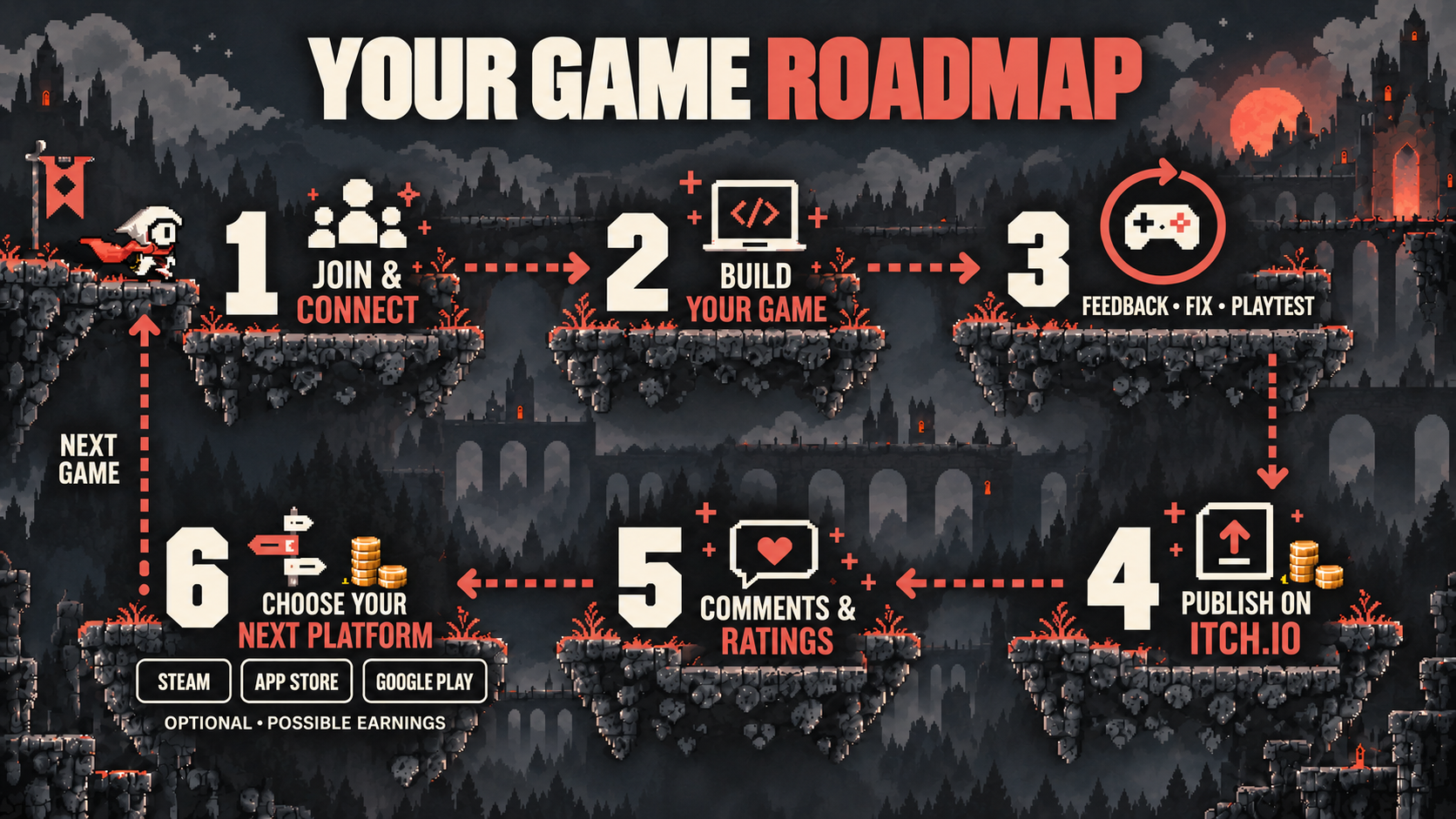
Say hello and share your game idea.
Follow the lessons or bring your current project.
Repeat the loop until your game is ready.
Share a playable link and invite player feedback.
Improve this game, explore another platform or build your next idea.
Feedback → fixes → another playtest. Keep the loop going until your game is ready to share.
Every level has a starting point
NEW TO MAKING GAMES?
Start with one idea, one mechanic and one objective. The beginner lessons walk you through setting up your tools and asking for your first playable prototype.
ALREADY BUILDING SOMETHING?
Post what you’ve made, what you tried and the part that’s holding you up. Bring your build for feedback and playtesting, then work towards publishing it.
Pixel art and 2D games are our home base. Other styles, 3D projects and every genre are welcome too.

Your host, and a fellow maker
Software engineer. Designer.
Game developer. Always making something.
I’ve worked in software development for 8+ years and studied game development and graphic design. Now I build games with AI as my co-dev and share the process on YouTube.
The stories and art / level design direction are mine. AI helps me build the sprites, code and sound. Inside the club, I show how that comes together and help you work through your own project.
See my process on YouTubeFrom my own workbench
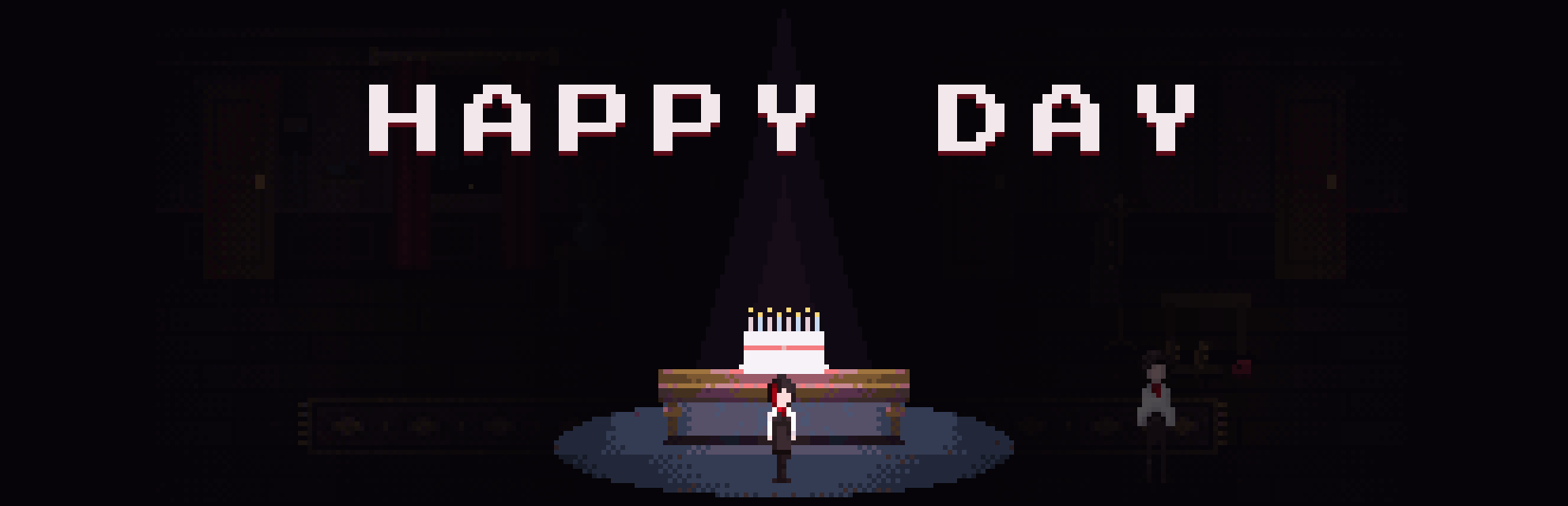
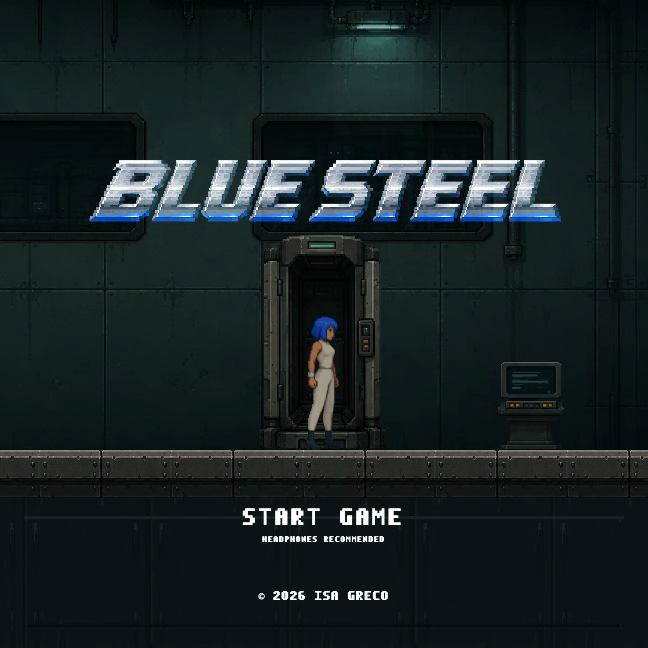
Three different games I’ve built with AI. Your game can have its own look, story and mechanics.
AI Game Makers Club on Skool
Join the community for free. Start with the welcome module, share your idea and try the lessons. If you want more personal help, you can book a one-off session or ongoing mentorship.
Before you jump in
Yes, it’s currently free to join. You get beginner lessons, tool guides, project sharing, playtests, community feedback and live Sunday workshops. Any one-to-one support is booked separately.
Choose a one-off Game Dev Session or ongoing Game Dev Mentorship in the Skool Classroom. You can also book a free introductory call. See the current offers on Skool.
Keep sharing your progress, use player feedback to improve your game or bring a new idea to the community. The Classroom, playtests and Sunday workshops are there for your next project too.
No coding experience is needed to start. Open the welcome module, then start with the beginner lessons in the Classroom. You’ll learn to describe your game clearly, test what the AI builds and understand what needs to change.
A computer and access to Claude Code or Codex. Our beginner browser-game path uses HTML, CSS and JavaScript, so you can start without learning a game engine first. The Classroom includes practical prompts, reference lessons and links to the tools I use and build. We also explore AI art, sprite, voice and music tools as your project needs them. Tool subscriptions are separate from membership.
No. Pixel art and 2D games are our home base, but the club welcomes different styles and genres. Bring the game you want to make, including music, puzzle, cosy, action or 3D projects.
Bring it. Share your project in the free community; if you’d like individual help, you can book a one-off session or mentorship. Share a build or screenshot in your project post, explain the problem you’re solving and ask for focused feedback. You don’t need to restart with the beginner course.
Our first publishing path is itch.io. Once your game is tested, you can decide whether to expand it or start your next project. Steam, the App Store and Google Play are optional next steps, with their own technical requirements, accounts, fees and review processes.
On Skool. That’s where you’ll find the Classroom, General discussion, project posts, playtests and live-session calendar. Keep your build and feedback in your project post so everyone can follow along and learn. This page is your introduction to the club.